my_variable <- 10
#my_varıable

#Fix by using:
my_variable
[1] 10Chapter 2 of R4DS covers coding basics such as how to create objects, vectors, and comments. Its exercises emphasize the importance of correct spelling and syntax. This page will work through Chapter 2’s prompts.
Why does this code not work?
1 answer: because the “i” in the 1st line is different than the 2nd line
my_variable <- 10
#my_varıable
#Fix by using:
my_variable[1] 10Tweak each of the following R commands so that they run correctly:
# libary(todyverse)

# ggplot(dTA = mpg) +
#  geom_point(maping = aes(x = displ y = hwy)) +
#  geom_smooth(method = "lm)

library(tidyverse)
── Attaching core tidyverse packages ──────────────────────── tidyverse 2.0.0 ──
✔ dplyr 1.1.4 ✔ readr 2.1.5
✔ forcats 1.0.0 ✔ stringr 1.5.1
✔ ggplot2 3.4.4 ✔ tibble 3.2.1
✔ lubridate 1.9.3 ✔ tidyr 1.3.0
✔ purrr 1.0.2
── Conflicts ────────────────────────────────────────── tidyverse_conflicts() ──
✖ dplyr::filter() masks stats::filter()
✖ dplyr::lag() masks stats::lag()
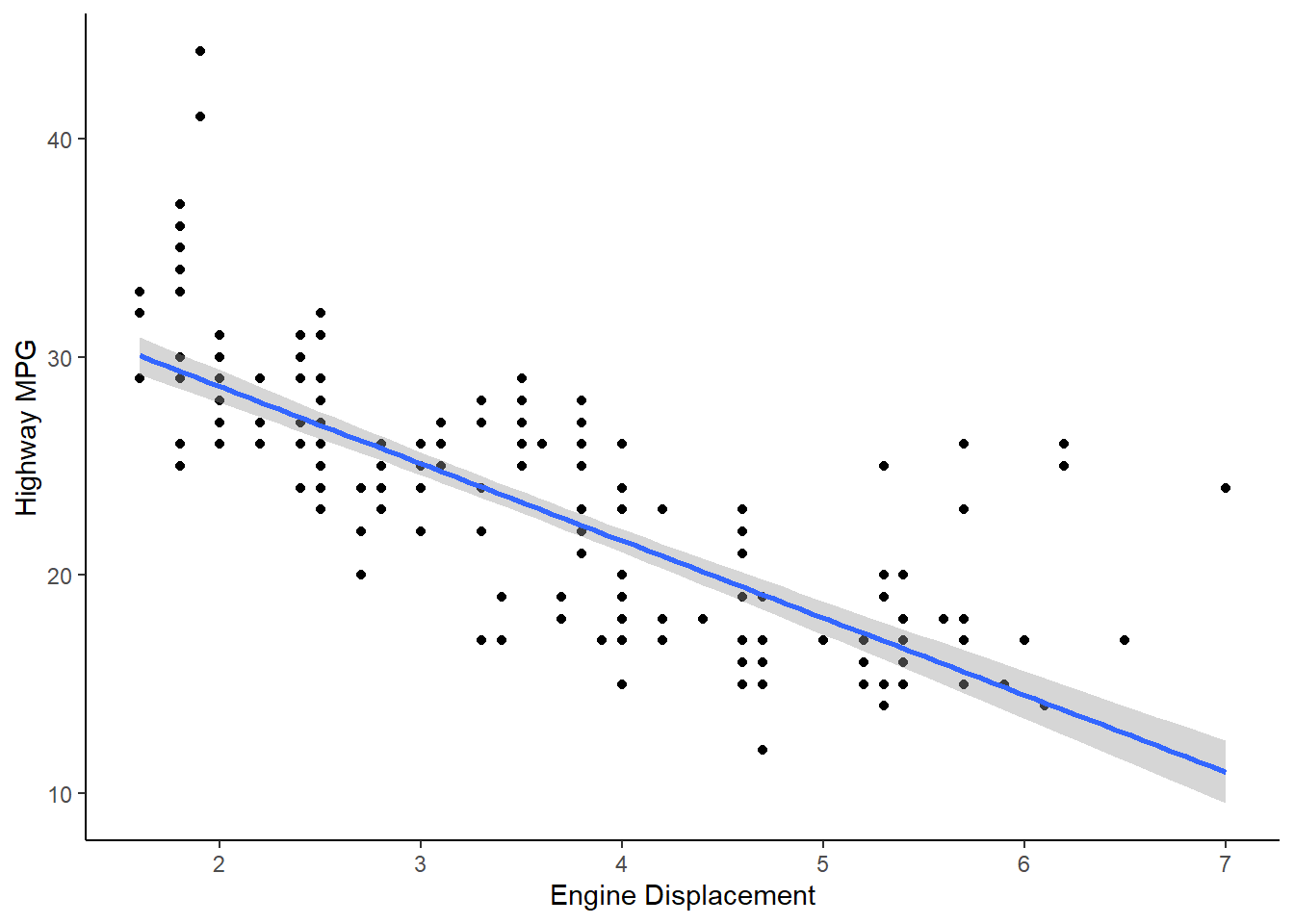
ℹ Use the conflicted package (<http://conflicted.r-lib.org/>) to force all conflicts to become errorsggplot(data = mpg, aes(x = displ, y = hwy)) +
geom_point() +
geom_smooth(method = "lm", formula = y ~ x) +
theme_classic() +
labs(
x = "Engine Displacement",
y = "Highway MPG")